Key takeaways
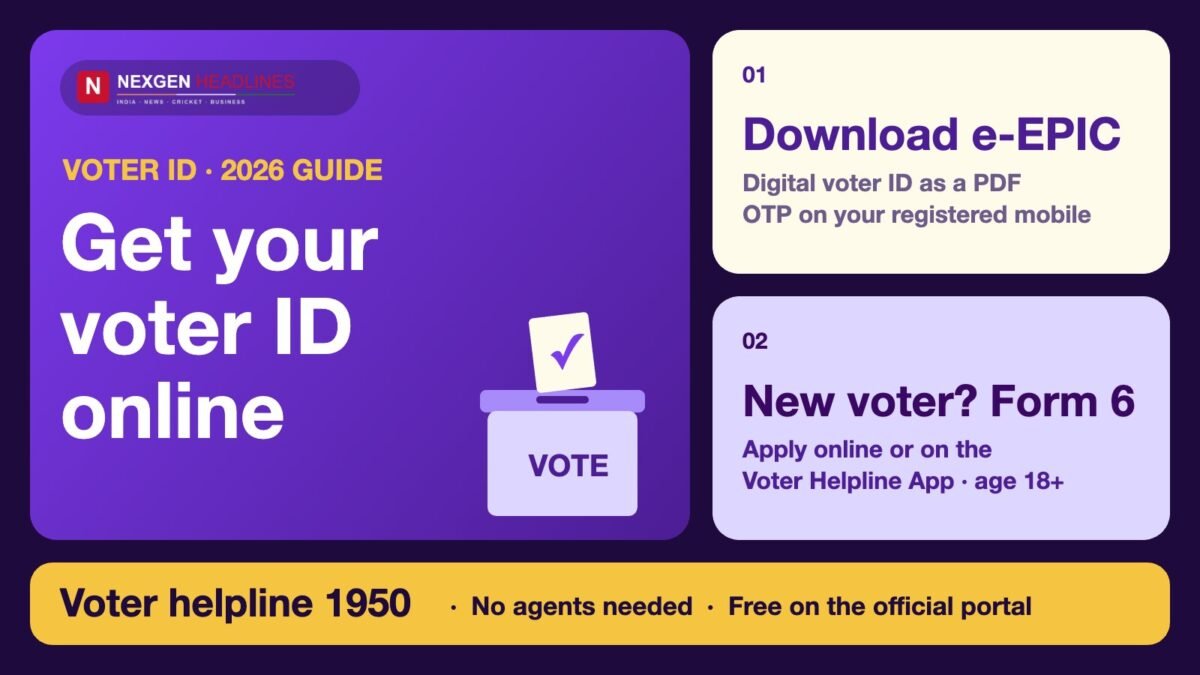
- Download your e-EPIC (digital voter ID) on the Election Commission’s official Voters’ Service Portal (
voters.eci.gov.in) with an OTP on your registered mobile. - New voter? Apply with Form 6 online or on the official Voter Helpline App.
- You can register if you are an Indian citizen aged 18 on a qualifying date: 1 January, 1 April, 1 July or 1 October.
- Need help? Call the voter helpline 1950. The Election Commission has not authorised any agents.
Your voter ID card (EPIC — Elector’s Photo Identity Card) proves you can vote, and it’s widely used as identity proof too. Lost it, or never received a card? You can now download a digital copy called e-EPIC. And if you’re a new voter, you can apply online in minutes. This guide covers both, using the Election Commission of India’s official services.
📱 Prefer a quick visual guide? Voter ID in 9 swipes: Voter ID Web Story →
Part 1: How to download your e-EPIC (digital voter ID)
e-EPIC is a PDF version of your voter ID that you can keep on your phone or print.
- Open the Election Commission’s official Voters’ Service Portal at
voters.eci.gov.in. - Log in, or sign up with your mobile number if you don’t have an account.
- Select Download E-EPIC.
- Enter your EPIC number (voter ID number) or your Form Reference Number, and choose your state.
- Verify with the OTP sent to the mobile number registered in the electoral roll.
- Click Download to save your e-EPIC PDF.
Mobile number not registered?
The OTP goes to the mobile number linked to your voter record. If it isn’t linked or has changed, update your details first (see “Correct your details” below), then download.
Part 2: How to apply for a new voter ID (Form 6)
Who can apply: Indian citizens who are 18 or older on one of the qualifying dates — 1 January, 1 April, 1 July or 1 October of the year.
- Open the Voters’ Service Portal or the official Voter Helpline App (Play Store / App Store).
- Choose New Voter Registration (Form 6).
- Fill in your name, date of birth, address and family details.
- Upload a recent passport-size photo and the documents asked for (age and address proof).
- Submit and note your reference number to track your application.
A Booth Level Officer (BLO) may visit to verify your details. Once approved, your name is added to the electoral roll and you can download your e-EPIC.
Correct or update your voter ID details
Moved house, or found a spelling mistake? Use the correction / shifting option on the Voters’ Service Portal or the Voter Helpline App to update your details. Choose the option that matches your change and follow the steps on screen.
Check your name in the voter list
Before an election, confirm your name is on the electoral roll using the electoral search on the Election Commission’s portal (by your details or by EPIC number). The Voter Helpline App offers the same search.
Helpline and safety
- Voter helpline: 1950 (calls; SMS services are also available).
- The Election Commission says it has not authorised any intermediaries — don’t pay agents to register you.
- Never share your OTP with anyone.
Frequently asked questions
Is e-EPIC a valid voter ID?
e-EPIC is the Election Commission’s PDF version of your EPIC that you can download and print.
Can I download my voter ID without a registered mobile number?
The download needs an OTP on the mobile number registered with your voter record. Update your mobile number first if it isn’t linked.
At what age can I register as a voter?
You can register if you are an Indian citizen who is 18 on a qualifying date: 1 January, 1 April, 1 July or 1 October.
Is applying for a voter ID free?
Yes. Registering through the official portal or app, or with free Form 6 copies at election offices, doesn’t require paying an agent.
What is the voter helpline number?
1950.
📱 First-time voter in your family? Share this: Voter ID in 9 swipes: Voter ID Web Story →
Official links
- Voters’ Service Portal: Voters’ Service Portal
- Election Commission of India: eci.gov.in
- Related: Download e-Aadhaar
- Related: Apply for a passport online
Steps checked against the Election Commission of India’s official pages in October 2026. Portal screens can change; follow the instructions shown on the official site.