Quick answer: You can check basic vehicle and owner details free on the government’s Parivahan (VAHAN) portal under “Know Your Vehicle Details”, or in the official mParivahan app, using the registration number. You will see the make and model, registering RTO, registration date, fuel type, fitness, insurance and PUC validity, and the owner’s name, which is partly masked for privacy. Full owner address and phone number are not shown to the public.
At a glance
- Official website: vahan.parivahan.gov.in → Informational Services → Know Your Vehicle Details
- Official app: mParivahan (Ministry of Road Transport and Highways / NIC)
- You need: the vehicle registration number, and a mobile number for OTP login
- Cost: free on the official portal and app
- What you see: model, RTO, registration and fitness dates, insurance and PUC validity, masked owner name, financer (if any)
- Not shown: full owner name, address, phone, Aadhaar
- Use it for: used vehicle checks, accidents, insurance renewal, challan checks
How to check vehicle details on the VAHAN portal: steps
| Step | What to do |
|---|---|
| 1 | Open vahan.parivahan.gov.in (or parivahan.gov.in and choose Vahan services). |
| 2 | Click Informational Services, then Know Your Vehicle Details. |
| 3 | Log in with your mobile number and OTP (or create a quick citizen login). |
| 4 | Enter the registration number (for example, MH12AB1234) and the captcha. |
| 5 | Click Vahan Search. The vehicle details appear on screen. |
| 6 | Note the insurance, fitness and PUC dates. Take a screenshot if you need a record. |
The site layout changes from time to time. If a menu name is different, look for “Know Your Vehicle Details” or “Vehicle Search.”
How to check in the mParivahan app
- Download mParivahan from the Google Play Store or Apple App Store. Check the publisher is the Ministry of Road Transport and Highways / NIC.
- Sign in with your mobile number and OTP.
- Choose RC search or Information services.
- Type the registration number and search.
- Read the details. If the vehicle is yours, you can also add your virtual RC and driving licence to the app.
The mParivahan app is useful when the website is slow. Many reports also mention an SMS service (sending VAHAN <registration number> to 7738299899), but it does not work reliably everywhere. Use the portal or app first.
What details you can see
| Detail | Why it matters |
|---|---|
| Owner name (masked) | Matches the seller’s ID roughly when buying a used vehicle |
| Maker and model | Confirms the number plate belongs to that vehicle |
| Registering authority (RTO) | Tells you which RTO handles transfers and NOCs |
| Registration date and RC validity | Shows age of vehicle and when renewal is due |
| Fuel type and emission norms | Matters for city rules on old diesel or petrol vehicles |
| Fitness validity | Required for commercial and older vehicles |
| Insurance company and validity | Driving without valid third-party insurance is an offence |
| PUC validity | Pollution certificate status |
| Financer / hypothecation | Shows if a loan is still marked on the RC |
| Blacklist or NOC status (where shown) | Warns of pending issues |
Why the owner name is masked
The government masks part of the owner’s name and hides the address and phone number to protect privacy. This stops misuse such as stalking or fake calls. Only the owner, the RTO, police and authorised agencies (like insurers in a claim) can see full details through proper channels.
If you need full owner details for a legal reason, such as an accident claim, go through the police, your insurance company or the RTO. You can also file an application under the right rules at the RTO.
Example (made-up, for illustration)
Rahul in Indore wants to buy a used scooter for ₹45,000. The seller says it is “single owner, loan closed.”
Rahul checks the number on mParivahan. The model matches, but the record shows the RC is still hypothecated to a finance company, and the insurance expired three months ago.
He asks the seller for the bank’s NOC and Form 35 before paying. The seller gets the NOC a week later, and Rahul buys the scooter with a fresh insurance policy. Without the check, he could have been stuck with a vehicle he couldn’t transfer.
Used vehicle checklist (with VAHAN)
- Check the registration number on VAHAN or mParivahan.
- Match model, colour and fuel with the vehicle in front of you.
- Match the chassis and engine numbers on the vehicle with the physical or digital RC.
- Look for hypothecation. If a loan is marked, ask for the bank NOC.
- Check pending challans on the e-challan portal.
- Confirm insurance and PUC are valid, or budget for them.
- Do the ownership transfer (Form 29 and 30) on Parivahan soon after buying.
Also read: E-challan check, pay online and dispute
Common problems and fixes
- “Record not found”: check the number for typos (O vs 0, I vs 1). Very old vehicles may not be fully migrated to VAHAN; contact the RTO.
- Wrong details shown: if it is your vehicle, apply for correction at your RTO with your RC and ID.
- Insurance shows expired but you renewed: data from insurers can take a few days to update. Keep your policy copy.
- OTP not coming: wait a few minutes, check DND settings, or try the app.
- Portal is slow: try early morning or late night, or use mParivahan.
Beware of fake vehicle lookup sites
Many private apps and websites claim to show “full owner details with phone number” for a fee. Most are either scraping old data or simply collecting your number. Some ask for payments by UPI and give nothing.
- Use only parivahan.gov.in, vahan.parivahan.gov.in and the official mParivahan app.
- Never pay anyone to “unlock” owner details.
- Never share an OTP with a caller who says they are from the RTO.
- Report cyber fraud on 1930 or cybercrime.gov.in.
Is a digital RC in mParivahan or DigiLocker valid?
Yes. The Ministry of Road Transport and Highways has said that RC and driving licence shown in DigiLocker or mParivahan are valid like the originals. Traffic police can check them on their own devices. Screenshots or photos of documents are not the same, so use the app itself.
Checking details after an accident or hit-and-run
If a vehicle hits you or your car and drives away, note the registration number, colour, model, time and place. Take photos if it is safe.
- Call 112 if anyone is hurt, and get medical help first.
- File an FIR or a complaint at the nearest police station with the number you noted.
- Check the number on VAHAN to confirm the make and model match what you saw. This helps the police.
- Inform your insurer within the time in your policy, with the FIR copy.
Do not try to contact or confront the owner yourself. Police and insurers get full owner details through official channels.
Checking details before renewing insurance
Insurers ask for the registration number and often pull details from VAHAN automatically. Before you renew, check that the model, fuel type and registration date on VAHAN are correct. A wrong entry can lead to a wrong premium or claim trouble later. If something is wrong, get it corrected at the RTO first.
What the registration number tells you
An Indian number like MH 12 AB 1234 has four parts. “MH” is the state (Maharashtra), “12” is the RTO code (Pune), “AB” is the series and “1234” is the unique number. BH-series numbers (like 26 BH 1234 AA) are for people who move states often, such as government and many private-sector employees.
FAQ
Can I find a vehicle owner’s phone number by registration number?
No. The official portal does not show phone numbers or addresses. For an accident or legal issue, go through the police, your insurer or the RTO.
Is the VAHAN vehicle search free?
Yes. Checking vehicle details on parivahan.gov.in and mParivahan is free.
Why does VAHAN show only part of the owner’s name?
For privacy. The name is partly masked so details can’t be misused.
How do I check if a vehicle has a loan on it?
The VAHAN record shows the financer if the RC is hypothecated. Ask for the bank’s NOC before buying.
Can I check insurance validity of any vehicle?
Yes. VAHAN shows the insurer and policy validity date, as updated by insurers.
Bottom line
To check vehicle owner details, use only the official VAHAN portal or mParivahan app with the registration number. You’ll see the model, RTO, insurance, PUC, fitness and a masked owner name, all free. For a used vehicle, also check loans and challans before you pay.
Last reviewed: 22 November 2026. Portal menus and services can change; confirm on parivahan.gov.in.
Sources: VAHAN citizen services, Parivahan Sewa (MoRTH), Ministry of Road Transport and Highways, e-Challan portal, DigiLocker, Smartprix.
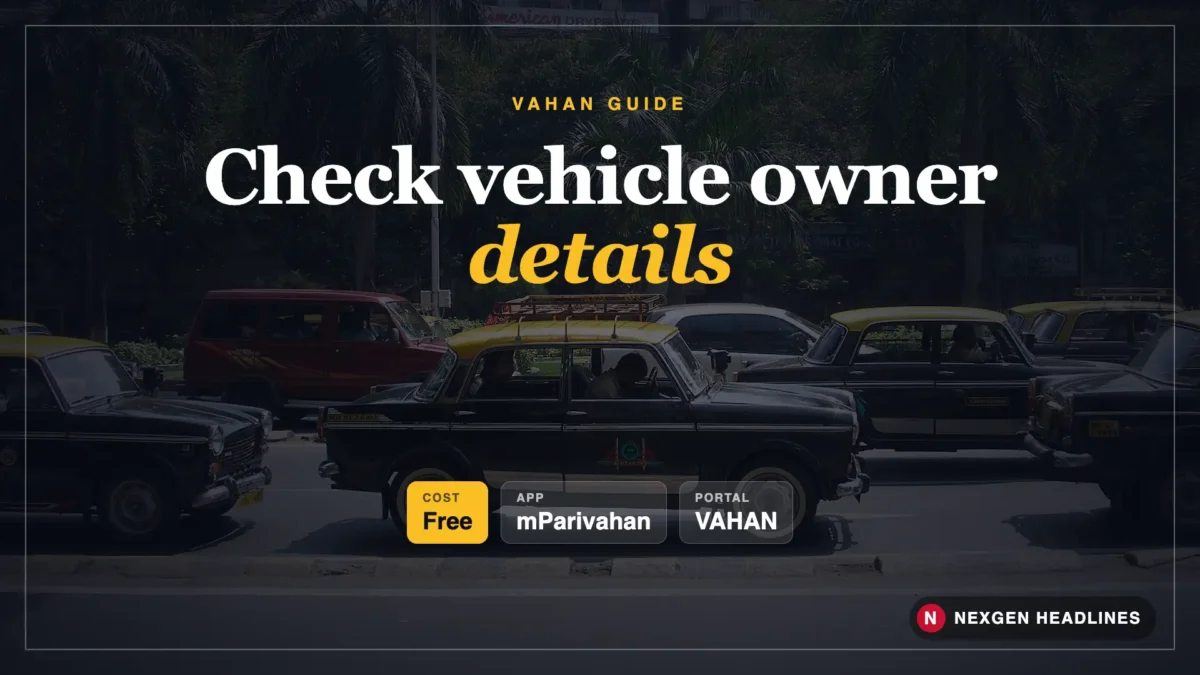
Featured image credit: Taxi on the road in Mumbai. Photo: Vyacheslav Argenberg / Wikimedia Commons, CC BY 4.0; edited by Nexgen India