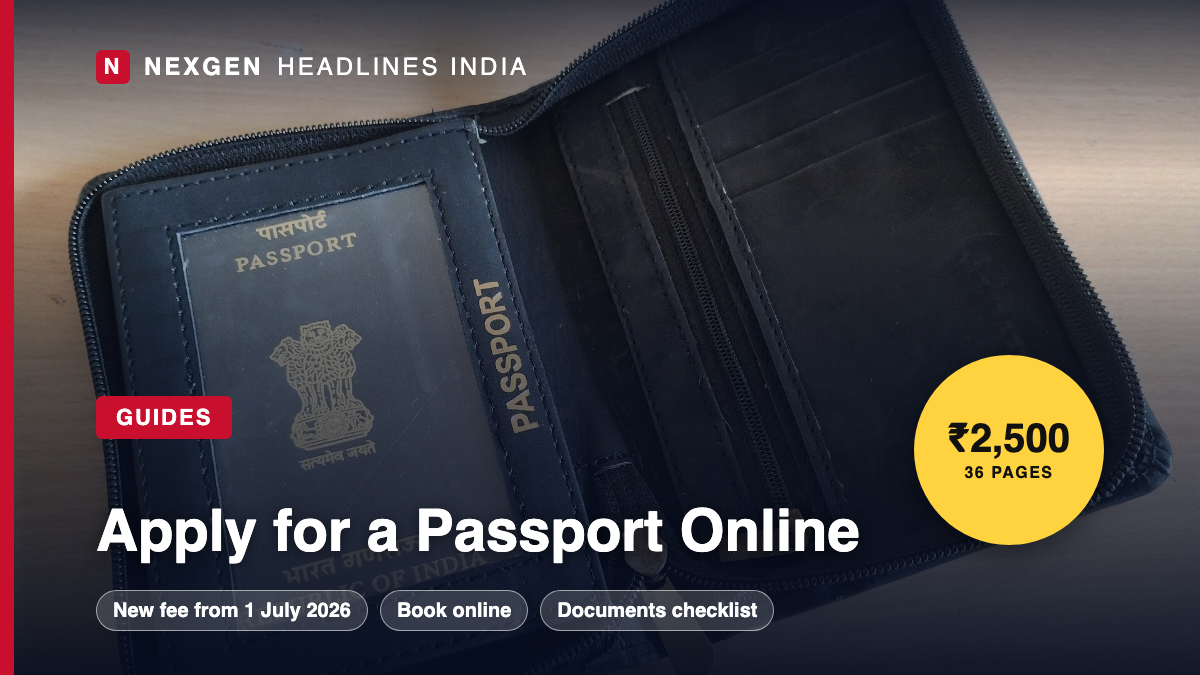
A passport looks like a big, bureaucratic job, but the application is mostly a form you fill at home, one payment, and one visit to a Passport Seva Kendra. The part that surprises people is the fee: it went up on 1 July 2026.
At a glance
- Apply only on the official Passport Seva portal: passportindia.gov.in
- New fee for a fresh 36-page passport: ₹2,500 (Tatkal ₹5,000); 60-page: ₹3,500 (Tatkal ₹6,000)
- You must pay online and book an appointment at a Passport Seva Kendra (PSK) or Post Office PSK
- Police verification is usually needed for a fresh passport
The mistake that costs people a week
Picture Arjun, a software engineer in Hyderabad (an illustrative example) who gets a work trip abroad with six weeks’ notice. He starts the form, then finds his name on his Aadhaar and his school certificate is spelled two different ways. He has to fix the name first, and that costs him days. The lesson I would give anyone: before you open the portal, put your documents side by side and check that name, date of birth and address match.
New passport fees (from 1 July 2026)
The Ministry of External Affairs notified the Passports (Amendment) Rules, 2026, and the revised fees took effect on 1 July 2026.
| Booklet (adult, fresh or reissue) | Normal | Tatkal |
|---|---|---|
| 36 pages | ₹2,500 (was ₹1,500) | ₹5,000 (was ₹3,500) |
| 60 pages | ₹3,500 (was ₹2,000) | ₹6,000 (was ₹4,000) |
Fees for minors, senior citizens and lost or damaged passports are different. Use the fee calculator on the portal before you pay.
Documents to keep ready
- Proof of address, such as Aadhaar
- Proof of date of birth, such as a Class 10 certificate or birth certificate (for anyone born on or after 1 October 2023, the birth certificate issued by the municipal authority is the date-of-birth proof)
- Original documents for the appointment, even if you upload scans
- Passport-size photo only if the Kendra asks; photos are usually taken at the counter
Step by step
- Register. Go to passportindia.gov.in and register with your details. Log in.
- Choose “Apply for Fresh Passport/Re-issue”. Fill in the form carefully and submit it.
- Pay and schedule. From “View Saved/Submitted Applications”, click “Pay and Schedule Appointment”. Pay online, then pick the nearest PSK or Post Office PSK and a time slot.
- Visit the Kendra. Carry your originals. Your appointment SMS is accepted; you may also keep a printout.
- Police verification. For a fresh passport a police officer verifies your address, so be reachable at the address you gave.
- Track and receive. You will get SMS updates; the passport comes by speed post.
Beware of fake websites
Many lookalike sites and agents charge extra “service fees”. The government portal is passportindia.gov.in. Booking the appointment on the portal yourself costs nothing beyond the official fee.
FAQ
How long does it take?
It depends on your city and on police verification. The portal shows your status after each step, so check it instead of relying on agents’ promises.
Do I need to take a printout to the Kendra?
The portal says the application receipt printout is no longer mandatory and that the appointment SMS is accepted. Carrying one anyway does no harm.
Is Tatkal worth it?
Only if you have a real deadline. It costs double the normal fee, and you still need documents that match.
Sources and fact-check
Fee figures from the MEA notification of 20 June 2026, as reported by Free Press Journal and Deccan Herald. Steps are from the official Passport Seva portal. Fees and rules can change; confirm on the portal before paying. Checked on 20 October 2026.
Featured image credit: An Indian passport in a travel wallet. Photo: Gpkp / Wikimedia Commons, CC BY-SA 4.0; edited by Nexgen India