

Key takeaways
- Downloading e-Aadhaar is free on UIDAI’s official myAadhaar portal.
- You need your Aadhaar number, Enrolment ID or VID, and the mobile number registered with Aadhaar to receive the OTP.
- e-Aadhaar is a password-protected PDF, digitally signed by UIDAI.
- Choose Masked Aadhaar if you want only the last 4 digits of your number to show.
Lost your Aadhaar card, or need a copy for a form today? You can download an official electronic copy, called e-Aadhaar, in a couple of minutes from UIDAI’s website. This guide walks you through every step, explains the PDF password, and covers what to do if the OTP doesn’t arrive.
📱 Prefer a quick visual guide? See all the steps in 9 swipes: e-Aadhaar Web Story →
What you need before you start
- One of these: your 12-digit Aadhaar number, your 28-digit Enrolment ID (EID, printed on your enrolment slip), or your 16-digit Virtual ID (VID).
- The mobile phone whose number is registered with your Aadhaar, to receive the OTP.
- A phone or computer with a PDF reader.
If your mobile number is not linked to Aadhaar, you cannot receive the OTP online. You will need to update your mobile number at an Aadhaar Seva Kendra first (see the section on problems below).
How to download e-Aadhaar: step by step
- Open UIDAI’s official myAadhaar portal (
myaadhaarbeta.uidai.gov.in). You can also reach it from uidai.gov.in → Download Aadhaar. - Select Download Aadhaar.
- Choose what you will enter: Aadhaar Number, Enrolment ID or Virtual ID, and type it in.
- Type the captcha code shown on screen.
- Click Send OTP. An OTP arrives by SMS on your registered mobile number.
- Enter the OTP. If you want a masked copy, tick Masked Aadhaar.
- Click Verify & Download. The e-Aadhaar PDF saves to your device.
Tip: UIDAI is moving its online services to this new portal, so screens may look slightly different from older guides. The steps above follow UIDAI’s current site.
How to open the e-Aadhaar PDF (password)
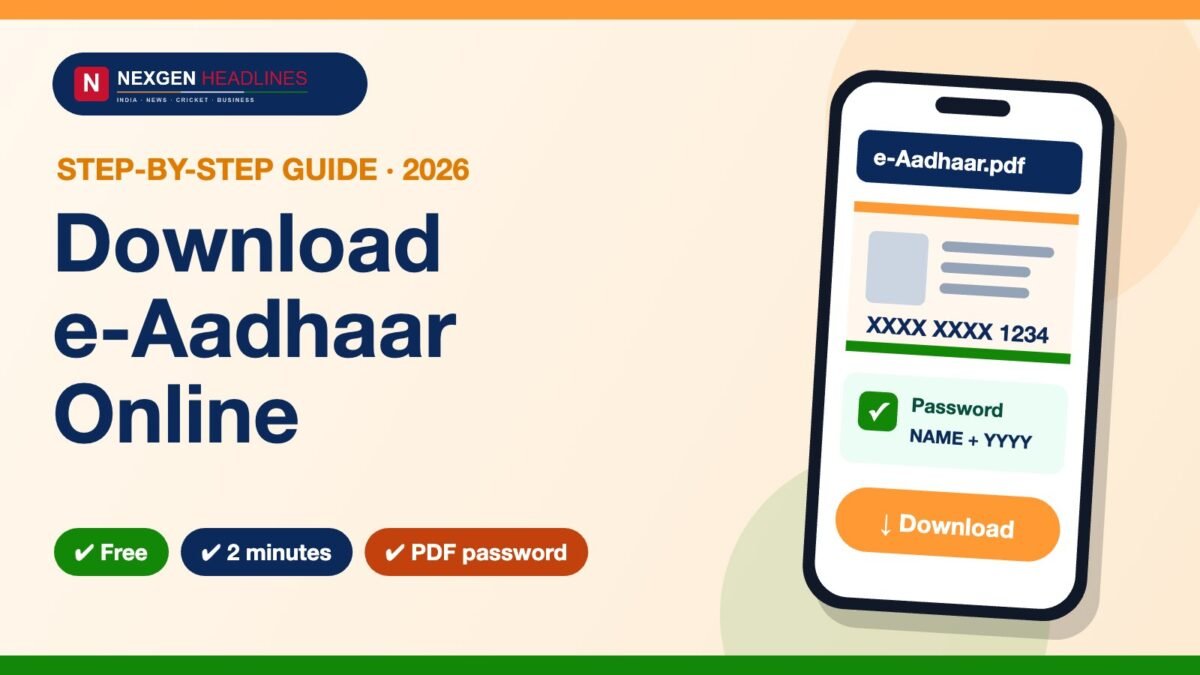
The downloaded file is protected with a password. The password rule is explained on UIDAI’s download screen: it is made from the first four letters of your name in CAPITAL letters (as written on your Aadhaar) followed by your year of birth (YYYY).
- Example: name Ramesh Kumar, born in 1990 → password
RAME1990. - If your name is shorter than four letters, check the password hint on UIDAI’s download page.
Masked Aadhaar: when to use it
A Masked Aadhaar hides the first 8 digits of your Aadhaar number and shows only the last 4. It is safer to share with hotels, shops or anyone who only needs proof of identity, because your full number is not exposed.
Common problems and fixes
| Problem | What to do |
|---|---|
| OTP not received | Wait a minute and resend. Check the number is the one registered with Aadhaar. If it isn’t, update it at an Aadhaar Seva Kendra. |
| Mobile number not linked | Online download needs a registered mobile. Visit an Aadhaar Seva Kendra to add or change it. |
| Forgot Aadhaar number / EID | Use Retrieve Lost UID/EID on the official portal. |
| PDF won’t open | Check the password is in CAPITAL letters with no spaces, and use the name exactly as on your Aadhaar. |
| Want a VID instead of sharing your number | Use Generate VID. |
Want a physical card? Order an Aadhaar PVC card
If you prefer a durable wallet-size card, you can order an Aadhaar PVC card online from the official PVC page. A small fee applies and is shown on the portal before you pay; the card is sent by post.
Frequently asked questions
Is downloading e-Aadhaar free?
Yes. Downloading e-Aadhaar from UIDAI’s official portal is free. Be wary of websites or agents that ask for money to “download” it.
Is e-Aadhaar valid like the original card?
e-Aadhaar is a digitally signed copy issued by UIDAI. Use it the same way you would use your Aadhaar letter wherever Aadhaar is accepted.
Can I download e-Aadhaar without a registered mobile number?
Not online. The portal sends an OTP to your registered mobile, so you need to link a mobile number at an Aadhaar Seva Kendra first.
How many times can I download e-Aadhaar?
You can download it again whenever you need it from the official portal, using the same steps.
Can I download e-Aadhaar using my Enrolment ID?
Yes. Choose Enrolment ID on the download page and enter the 28-digit number from your enrolment slip.
📱 Share this with family: See all the steps in 9 swipes: e-Aadhaar Web Story →
Official links
- UIDAI: uidai.gov.in
- myAadhaar portal: myAadhaar portal
- Find an Aadhaar Seva Kendra: Seva Kendra locator
Steps checked against UIDAI’s official website in October 2026. Government portals change from time to time; if a screen looks different, follow the instructions shown on the official site.